Table of Contents
For many years, an X-ray meant a film that had to be exposed, carried to a darkroom, developed with chemicals, dried and then read by the doctor. Even today, some centers still work this way, or use a half digital method that needs cassettes and a separate reader. But patients and doctors now expect faster reports, clearer images and easy sharing, and that is exactly what digital radiography delivers.
This guide explains what digital radiography is, how it compares with CR and film, which types of systems are available, what features to look for and how to move to digital without disturbing your daily work.
What Is Digital Radiography
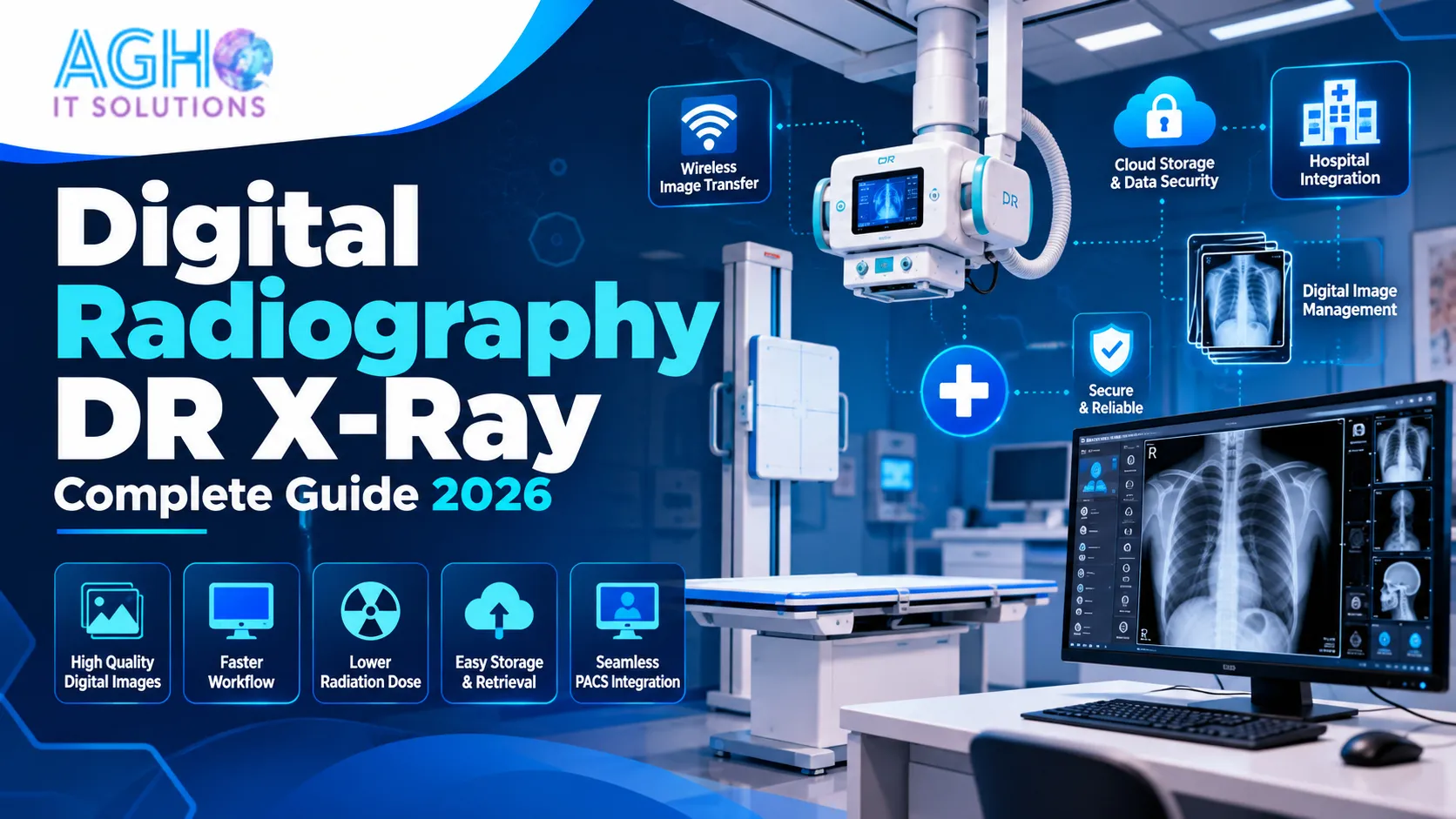
Digital radiography, usually called DR, is an X-ray imaging method that uses a flat panel detector instead of film or a phosphor plate. When the X-ray passes through the patient and reaches the detector, the detector converts it into an electronic signal. That signal is sent straight to a computer, and the image appears on the screen within seconds.
Because there is no film, no chemical developing and no cassette to carry to a reader, the whole process from exposure to image is digital.
How a DR Examination Works
- Step 1: The patient is positioned and the technician selects the body part and settings on the workstation.
- Step 2: The X-ray exposure is taken and the flat panel detector captures the image.
- Step 3: The image appears on the screen within seconds, so the technician can check that the position and quality are right.
- Step 4: The technician can adjust brightness, contrast and zoom, and add markers or notes.
- Step 5: The image is saved, and sent to the doctor, the hospital system or the patient as a file, a print or a film.
If the position was wrong, the technician can see it immediately and repeat the exposure while the patient is still in the room. This saves time and avoids calling the patient back.
DR vs CR vs Film X-Ray
- Film X-ray: Needs film, a darkroom and chemicals. Images cannot be changed after they are made, and storing films takes physical space. Mistakes in exposure often mean a retake.
- Computed radiography (CR): Uses a reusable imaging plate in a cassette. After exposure, the cassette goes into a reader that turns it into a digital image. It is digital, but it still needs cassette handling and an extra reading step.
- Digital radiography (DR): Uses a flat panel detector connected to the computer. The image is ready in seconds with no cassette handling.
In general, flat panel DR gives faster workflow, and many modern detectors are more efficient at turning X-rays into image signal than older plate based systems. The exact dose and image quality, however, depend on the detector type, the technique, the image processing and the protocol that the center follows, so detector type alone does not guarantee a fixed reduction in dose. CR is often seen as a lower cost first step towards digital, while DR is the more complete digital solution.
Benefits of Digital Radiography
- Faster diagnosis: The image is available in seconds, which matters most in emergency and trauma cases.
- Better image quality: Digital processing helps doctors see fine details, and the image can be adjusted without repeating the exposure.
- Fewer retakes: The technician checks the image immediately, so mistakes can be fixed at once.
- No film and chemicals: There is no darkroom, no developing and no chemical waste, which lowers running cost and is better for the environment.
- Easy storage: Images are stored digitally and can be found in seconds, instead of searching through film envelopes.
- Easy sharing: Images can be shared with doctors, other branches and patients, and can support remote reporting.
- Integration: DR works with hospital software, radiology information systems and PACS, which creates one connected workflow.
- Better patient experience: Shorter waiting time and quick results make patients happier.
Types of DR Systems
Fixed or Full Room DR
A complete room setup with a ceiling or floor mounted X-ray tube, a table, a wall stand and a flat panel detector. Best for hospitals and busy diagnostic centers that handle a high number of patients every day. See our fixed X-ray machine with full room DR.
Portable or Handy X-Ray with DR Detector
A light and compact X-ray source used with a wireless detector. Useful for clinics, small centers, home visits, camps and bedside imaging. See our portable handy X-ray machine.
Mobile X-Ray with DR
A movable machine that can be taken to the ward, ICU or operation theatre when the patient cannot be shifted. See our mobile X-ray machine.
DR Upgrade for an Existing X-Ray Machine
Many centers already have a working X-ray tube and generator. In some cases, a flat panel detector and acquisition software can be added to upgrade the existing machine, instead of buying a completely new one. Compatibility must be checked before this step, so ask a qualified technical team to inspect your machine.
Wireless and Wired Detectors
A wired detector is connected to the computer with a cable and does not need charging. A wireless detector gives more freedom for positioning, especially for bedside and trauma imaging, but it runs on a battery and connects through a wireless link. Some systems support both, so that you can use a wired connection as a backup. Choose the style that fits the way your staff works.
Key Features to Look For in a DR System
- Flat panel detector: Check the size, resolution and build quality. Common sizes cover standard imaging needs, and the right size depends on the body parts you image most.
- Wireless option: Useful for flexible positioning and for ward and emergency work.
- Battery performance: For wireless detectors, ask how many exposures one full charge can handle and how quickly it charges.
- Acquisition software: It should be simple, fast and easy for technicians, with good image processing tools.
- High frequency generator: A stable output helps give consistent image quality.
- Fast exposure control and response time.
- DICOM support: Needed for sharing images and connecting with PACS and other hospital systems.
- PACS and RIS integration: Allows images and reports to flow into one system.
- Cloud storage and remote access: Lets doctors view images from outside the center.
- Automated workflow: Patient lists, worklists and standard protocols save time.
- Accessories and backup: Spare battery, charger, router for wireless connection and software license key.
PACS, RIS and Hospital Software
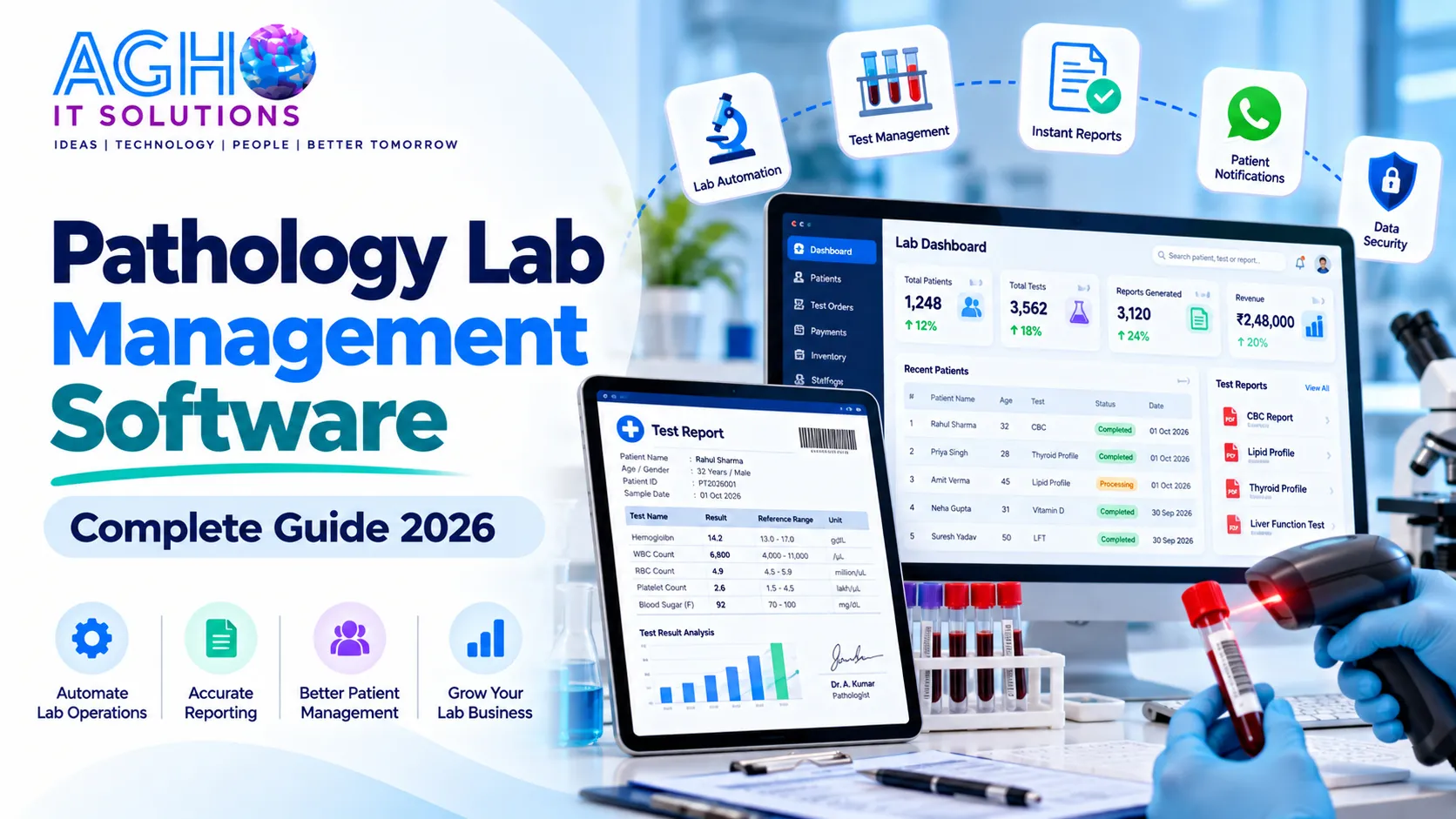
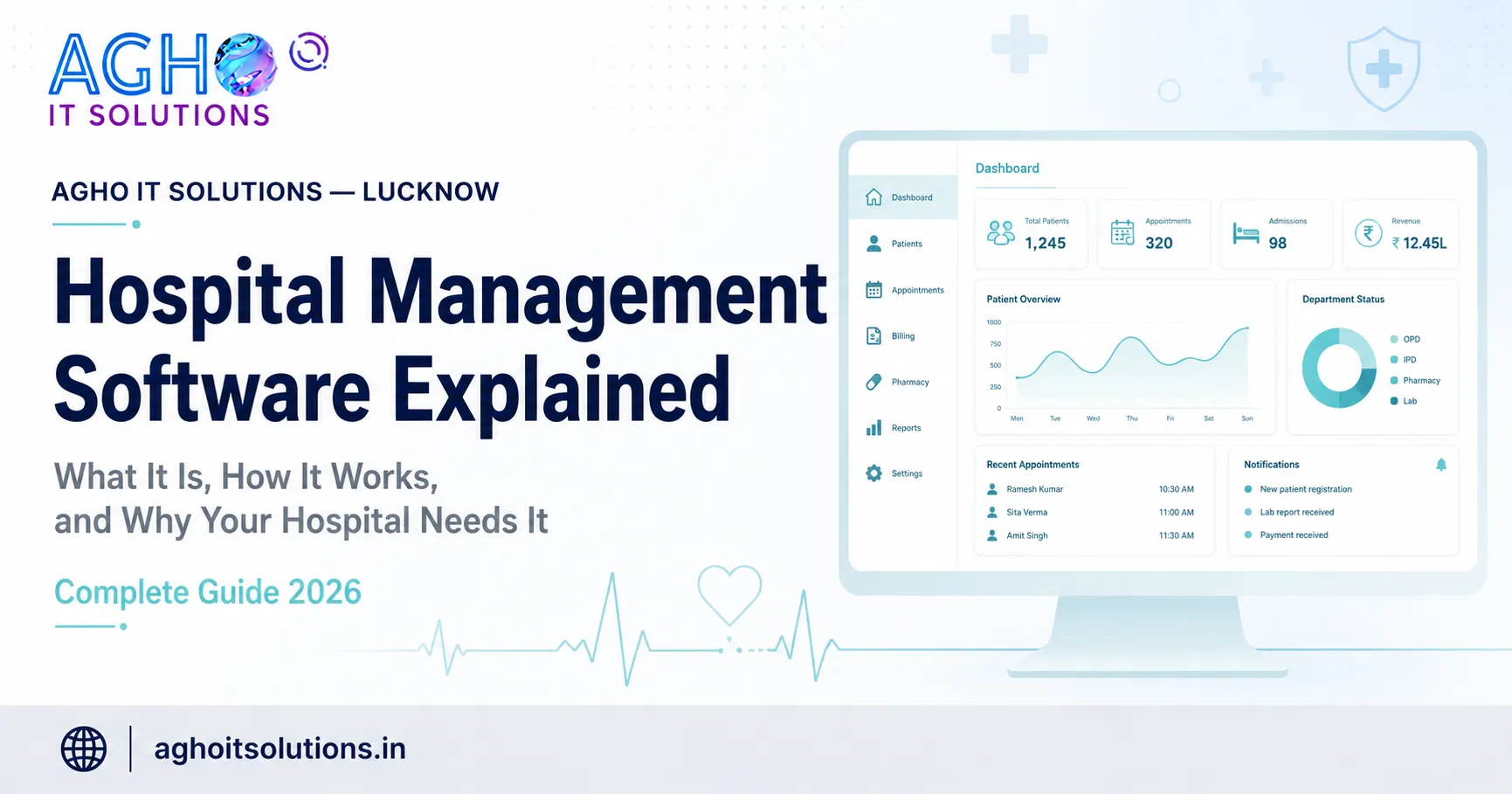
DR is most powerful when it is connected to the rest of your systems. PACS (Picture Archiving and Communication System) stores and shares images. RIS (Radiology Information System) handles patient registration, scheduling and reports for the radiology department. When these connect with your hospital management software, a patient registered at the front desk can be sent for an X-ray, the image is stored, the report is written and the final bill is created without repeating data entry. To learn more, read our guide on what hospital management software is and how it works. If you also run a lab, our pathology management software can connect your tests and reports in one place.
Printing Images on Film
Digital images can be shared as files, but many patients and referring doctors still ask for a printed film. A digital center should keep a good printing option. Our inkjet X-ray blue film printer, CT scan blue film printer, MRI blue film printer and A3 white film printer offer printing for different imaging needs. You can also read our guide on medical radiology printing.
Who Should Consider Digital Radiography
- Hospitals and multi specialty clinics.
- Diagnostic and imaging centers.
- Orthopaedic, chest and trauma clinics.
- Dental and physiotherapy centers that need quick imaging.
- Nursing homes and ICU units.
- Mobile diagnostic service providers and health camps.
- Telemedicine and teleradiology providers.
How to Choose the Right DR System
- Match the system to your workload. A busy center needs a full room setup, while a small clinic may be fine with a portable one.
- Ask for a live demo. See the acquisition software and take sample images before you decide.
- Check image quality yourself. Look at images of different body parts, not only the brochure samples.
- Confirm compatibility. If you are upgrading an old machine, check the generator and tube first.
- Check integration. Make sure it can connect with your PACS, RIS and hospital software.
- Ask about the detector warranty and service. Detectors are sensitive and expensive, so service support matters.
- Check safety and licensing. X-ray equipment in India is regulated by the Atomic Energy Regulatory Board, so confirm that your setup follows the licensing and radiation safety requirements.
- Ask about training. Your technicians should be trained on both the machine and the software.
- Understand the full cost. Ask what is included, such as the detector, software, accessories, installation, training, warranty and annual service.
What Affects the Cost of a DR System
The price of a DR setup depends on the type of system, the size and quality of the detector, wired or wireless options, the generator, the room setup, the software features, PACS and RIS integration, installation and the warranty and service package. Prices vary widely, so compare what is actually included, and always ask for a clear written quotation.
Common Mistakes to Avoid
- Choosing only on price without checking image quality and service.
- Not checking that the new detector is compatible with the old generator.
- Ignoring radiation safety and licensing rules.
- Not training the technicians properly.
- Forgetting a backup and storage plan for digital images.
- Buying a system that cannot connect with PACS or hospital software later.
- Not keeping a printing option for patients who need films.
Make Sure Patients Can Find Your Center
A good imaging center needs patients, and patients search on Google for services near them. Keep your Google Business Profile complete with timings, photos, services and genuine reviews, and read our guide on Google Business Profile optimization for Lucknow businesses. A simple website with your services, timings and contact details, supported by good SEO, helps new patients and referring doctors find you.
Digital Radiography from Agho IT Solutions
At Agho IT Solutions in Lucknow, we provide digital radiography (advanced DR for X-ray) with modern healthcare IT integration for hospitals, diagnostic centers and clinics. Along with the equipment, our team supports integration with hospital management software, RIS and PACS, cloud based radiology solutions, hospital IT setup, and technical support and maintenance. You can see our complete range of Medical IT solutions, which also includes refurbished CT scan and MRI machines.
Call us on +91-9194046587 or visit us at L-III/77, Sector-D, Aliganj, Lucknow, Uttar Pradesh 226024. You can also contact us online to request a quote or a demo.
Frequently Asked Questions
What is the difference between DR and CR?
DR uses a flat panel detector that sends the image directly to the computer within seconds. CR uses a reusable imaging plate in a cassette that must be placed in a reader before the image appears. DR has a faster workflow, while CR is often seen as a lower cost step towards digital imaging.
Does DR reduce radiation dose?
Many modern flat panel detectors are efficient at capturing X-rays, which can help produce good images at a suitable dose. The actual dose depends on the detector, the technique and the protocol followed by the center, so safe practice and proper training are important.
Can I upgrade my existing X-ray machine to DR?
In many cases a flat panel detector and software can be added to a working machine, but the generator, tube and other parts must be checked for compatibility first. Ask a qualified technical team to inspect your machine.
Should I choose a wireless or a wired detector?
Wireless detectors give more freedom for bedside and trauma imaging, while wired detectors do not depend on battery charge. The best choice depends on how your staff works, and some systems support both.
Do I still need film printing with digital X-ray?
Digital images can be shared as files, but many patients and doctors still ask for printed films, so it is wise to keep a good printing option.
What approvals do I need to run an X-ray unit in India?
X-ray equipment is regulated by the Atomic Energy Regulatory Board, and units must follow licensing and radiation safety rules. Speak with your equipment provider and a qualified radiation safety professional to complete the requirements.
Can DR connect with my hospital software?
Yes, most DR systems can connect with PACS, RIS and hospital management software using the DICOM standard. Confirm the exact connections you need before you buy.