Table of Contents
Every day a courier business handles hundreds of small tasks. Parcels are booked at the counter, pickups are sent to riders, shipments move between hubs, delivery boys go out with bundles, customers keep calling to ask where their parcel is, and at the end of the month someone has to make bills for every client. When all of this runs on registers, Excel sheets and phone calls, parcels get delayed, records go missing and money gets lost.
Courier and logistics management software brings the entire operation into one system. This guide explains what it does, which features matter, how to choose the right one and how to start using it without stopping your daily work.
What Is Courier and Logistics Management Software
Courier and logistics management software is a system that manages the complete journey of a shipment, from booking and pickup to hub movement, delivery and payment. It generates consignment numbers, tracks every parcel, assigns delivery runs, records proof of delivery, creates invoices and shows reports of the whole business.
It can be used by a local courier service, a franchise based courier network, a transport and cargo company, a 3PL warehouse, an e-commerce delivery partner and a logistics startup.
Problems Courier Businesses Face Without Software
- Consignment numbers are written by hand, so duplicate or missing numbers are common.
- Customers keep calling the office to ask for parcel status because there is no tracking link.
- Parcels get lost or stuck at a hub because movement is not recorded at every step.
- Delivery boys carry paper lists, and proof of delivery is a signature on a slip that can be lost.
- Billing for regular clients is done at the end of the month from notes and memory, which causes mistakes and disputes.
- Cash on delivery collection is hard to match with parcels and riders.
- Branches and franchise partners send reports late, and the owner has no live picture of the business.
- Returned and undelivered parcels are not tracked properly.
Key Features Every Courier Business Should Look For
1. Booking and Consignment Number Generation
Fast booking with sender and receiver details, weight, parcel type, destination and charges. The system should create a unique consignment number or air waybill and print a label or receipt in seconds. Regular clients should have their details saved so repeat bookings take a few clicks.
2. Bulk Booking
E-commerce sellers and regular clients send many parcels at once. The software should allow bulk upload of shipments from a sheet so that hundreds of bookings can be created together.
3. Rate Management
You should be able to set rates by weight, distance, zone, service type and client. Special rates for big customers, fuel charges and extra charges should be easy to add, so billing is always correct.
4. Pickup Management
Pickup requests should be recorded, assigned to a rider and tracked until the parcel reaches your branch. Automatic alerts to the client and the rider help reduce missed pickups.
5. Hub and Branch Movement with Manifest
Every time a parcel moves from one branch or hub to another, the movement should be scanned or recorded. Manifests for outgoing and incoming parcels make sure nothing is missing between locations.
6. Delivery Run Sheet and Rider Management
Create delivery lists for each rider, record delivered, failed and returned parcels and reasons for non delivery. A mobile app for delivery staff makes this much faster and removes paper from the process.
7. Proof of Delivery
The system should record the name of the receiver, time of delivery and, where possible, a signature, photo or OTP. Digital proof protects you in disputes and builds trust with clients.
8. Shipment Tracking for Customers
Give customers a tracking page or link where they enter a consignment number and see the current status. This single feature greatly reduces the number of status calls to your office.
9. Customer Notifications
Automatic messages on SMS, WhatsApp or email at booking, dispatch, out for delivery and delivered keep customers informed. You can also use our bulk WhatsApp marketing and bulk SMS marketing services for offers and service announcements to your clients.
10. Billing and Invoicing
Automatic invoices for regular clients, daily cash billing at the counter, credit limits, outstanding tracking and payment reminders. Correct and quick billing means faster payments. For a complete accounting and billing system, you can use our ERP billing software together with your courier software, or connect your courier system to your accounting software.
11. Cash on Delivery Management
Record the COD amount for each parcel, match it with the rider who collected it and track when the money is deposited and paid to the client. This stops cash leaks and disputes.
12. Returns and Undelivered Parcel Handling
Failed deliveries and returns should be recorded with reasons, and the system should show how many attempts were made and when the parcel goes back to the sender.
13. Franchise and Multi Branch Management
If you work through franchise partners or have many branches, the software should give each branch its own login, rates and accounts, while the owner sees everything from one dashboard.
14. Route Planning
Grouping parcels by area and planning delivery routes saves fuel and time, and lets each rider complete more deliveries in a day.
15. Vehicle and Driver Management
Record vehicles, drivers, trips, fuel and maintenance so you can see the real cost of each route.
16. Reports and Dashboard
A good dashboard shows daily bookings, deliveries, pending parcels, failed deliveries, COD collection, outstanding payments and branch wise performance. These numbers help you take decisions with facts instead of guesses.
17. Data Security and Backup
Shipment and client records are valuable business data. The software should have staff wise login, permission control and regular automatic backup.
Benefits for Your Courier Business
- Fewer lost parcels: Every movement is recorded, so a missing parcel can be traced quickly.
- Fewer calls from customers: Tracking and automatic messages answer the question before it is asked.
- Faster and correct billing: Rates and invoices are created automatically without manual calculation.
- Better control of cash: COD amounts are matched with parcels and riders.
- Faster delivery: Run sheets and route planning help riders complete more deliveries.
- Easy growth: You can add branches, franchise partners and clients without losing control.
- Professional image: Tracking pages, clean receipts and digital proof make your service look reliable.
Courier Company Software and Courier Aggregator Software
These two terms are often mixed up, so it helps to know the difference. Courier company software is used by a business that runs its own pickups, hubs and delivery staff. Courier aggregator software is used by a business that books parcels through many courier partners and compares rates between them. Some businesses need only one of these, and some need both. Decide which model you follow before you choose a system.
How to Choose the Right Software
- Match it to your business model. A local courier, a franchise network and an aggregator all need different features.
- Ask for a live demo. See how a booking, tracking update and invoice are created, using your own sample data.
- Check how easy it is for staff. Counter staff and riders should learn the system in a few days.
- Look at tracking and notifications. These are the features customers see the most.
- Confirm COD and billing flows. Make sure your actual rate rules and cash process can be set up.
- Ask about mobile apps and integrations. Check whether riders get an app and whether the software can connect to your website, accounting system or carrier partners.
- Check support and training. Choose a provider that trains your team and responds quickly when something goes wrong.
- Understand the full cost. Ask what is included, such as setup, training, hosting, number of users and branches, updates and support, so there are no surprises. Prices in the market vary a lot, so compare what you actually get.
Cloud Based or Local Software
Cloud based software works over the internet, so the owner, branches and franchise partners can all work on the same live data from anywhere. Local software runs on a computer in your office and can work without internet. For courier businesses with several branches and riders in the field, cloud systems are usually easier to manage. You can read more in our guide on cloud software versus on premise software for businesses in Lucknow.
How to Start Using the Software Smoothly
- Step 1: List your branches, staff, riders, services and rate rules.
- Step 2: Collect your regular client details and agreed rates.
- Step 3: Set up user logins and permissions for every branch and role.
- Step 4: Design your receipt, label and invoice format with your logo.
- Step 5: Train counter staff, hub staff and riders on their daily tasks.
- Step 6: Run the new system together with your old method for a few days to build confidence.
- Step 7: Move fully to the software and review the dashboard every day for the first month.
Common Mistakes to Avoid
- Choosing software only because it has the lowest price.
- Not training riders and branch staff properly.
- Skipping the demo and trusting promises.
- Setting up rates wrongly at the start.
- Not recording hub movement at every step.
- Ignoring regular backup of data.
- Giving all staff full access to rates and billing.
Keep Your Business Data Safe
Shipment records, client details and payment data must be protected. Use strong passwords, limit access by role and keep regular backups. You can also read our guide on how to protect your business website from cyber attacks to keep your online systems safe.
Connect Your Courier Business with Online Sellers
E-commerce sellers are among the biggest users of courier services. If you want to work with online sellers, a clear understanding of how they run orders and inventory helps you serve them better. Our guide on e-commerce management software in India explains how sellers manage orders and sales channels. To manage client enquiries and follow ups, a CRM software can be used alongside your courier system.
Get More Clients Online
A courier business grows when local shops, sellers and companies can find it easily. Make sure you have a complete Google Business Profile with correct timings, branch addresses and genuine reviews. You can learn how in our guide on Google Business Profile optimization for Lucknow businesses.
A professional website with a parcel tracking page, rate enquiry form and branch list builds trust with new clients, and good SEO helps them find you on Google. If you want a mobile app for your riders or customers, our app development service can build it for you.
Courier and Logistics Management Software from Agho IT Solutions
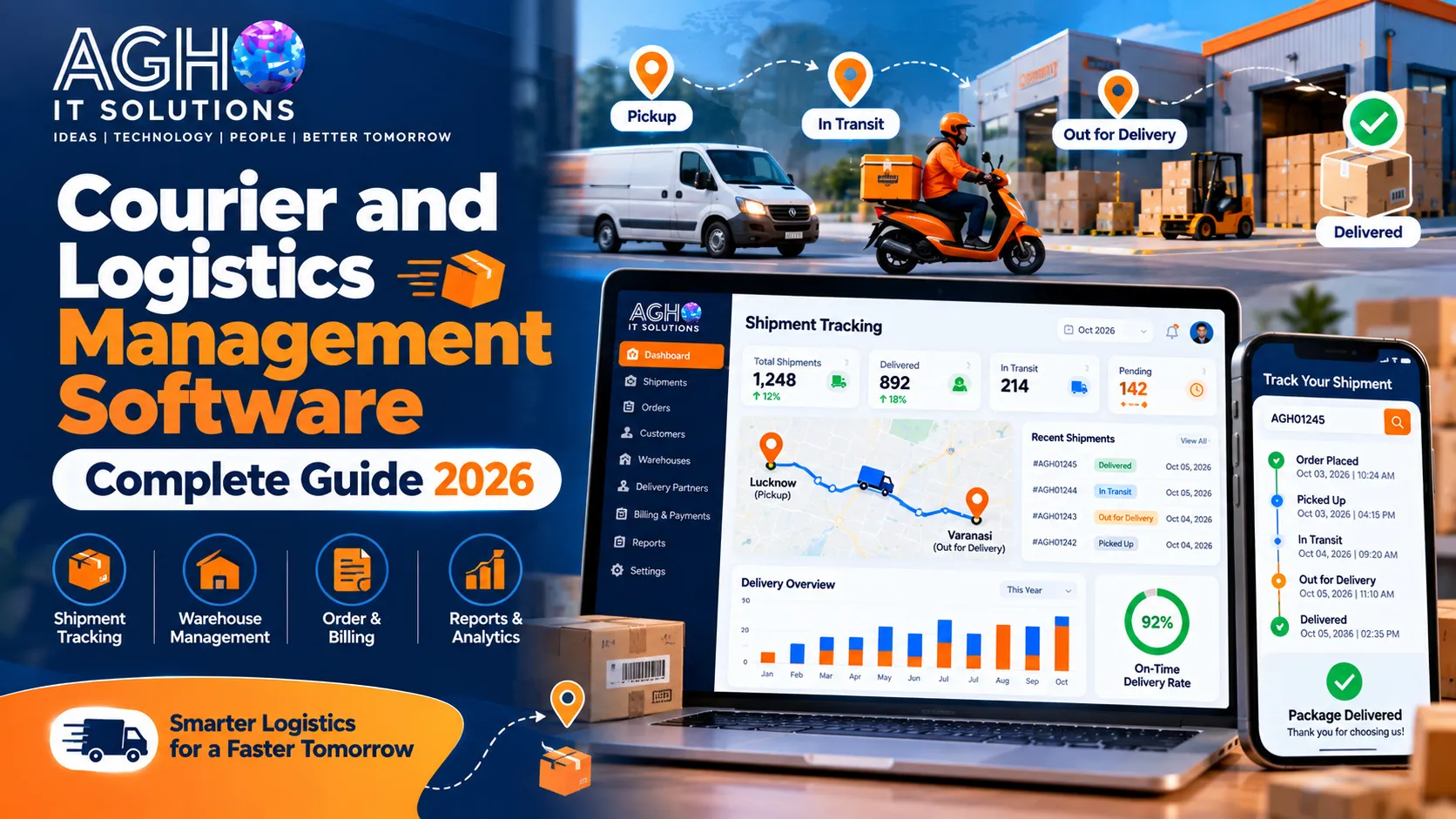
At Agho IT Solutions in Lucknow, we provide courier and logistics management software for courier companies, shipping agencies and logistics service providers. It brings shipment tracking, delivery management, route optimization, billing and customer notifications into a single platform, and it can connect with accounting software for smooth finance management. It is suitable for small courier startups as well as larger logistics companies.
Call us on +91-9194046587 or visit us at L-III/77, Sector-D, Aliganj, Lucknow, Uttar Pradesh 226024. You can also contact us online to book a free demo.
Frequently Asked Questions
Is courier software useful for a small courier business?
Yes. Even a small courier with one or two branches benefits from correct billing, parcel tracking and fewer customer calls. The software can be chosen according to the size of the business.
Can customers track their parcels on their own?
Yes. Most courier software provides a tracking page or link where the customer enters a consignment number and sees the current status. Automatic messages can also be sent at every stage.
Can the software manage cash on delivery?
Good courier software records the COD amount for each parcel, links it to the rider and tracks deposits and payments to the client, so you always know where the money is.
Can I manage franchise partners and branches?
Yes. Multi branch and franchise systems give each branch its own login and accounts, while the owner can see all activity and reports from one place.
Do I need a mobile app for my delivery staff?
A rider app is very helpful. It lets riders update delivery status, record proof of delivery and collect COD without paperwork, and it gives you live information from the field.
How long does it take to start using courier software?
A small business can usually start within a few days once rates, branches, staff and client details are ready. A short trial period alongside the old method helps the team settle in.