Table of Contents
Every school, college and coaching center knows the pain of paper exams. Question papers have to be typed and printed, answer sheets have to be collected and checked by hand, marks have to be added and entered into a register, and results come out after many days. A small mistake in addition can change a result, and nobody can easily see how the whole class performed.
Online exam software removes most of this work. Students take the test on a computer or phone, the system checks the answers and the result is ready within moments. This guide explains how it works, what features matter, how to keep exams secure and how to choose the right system for your institute.
What Is Online Exam Software
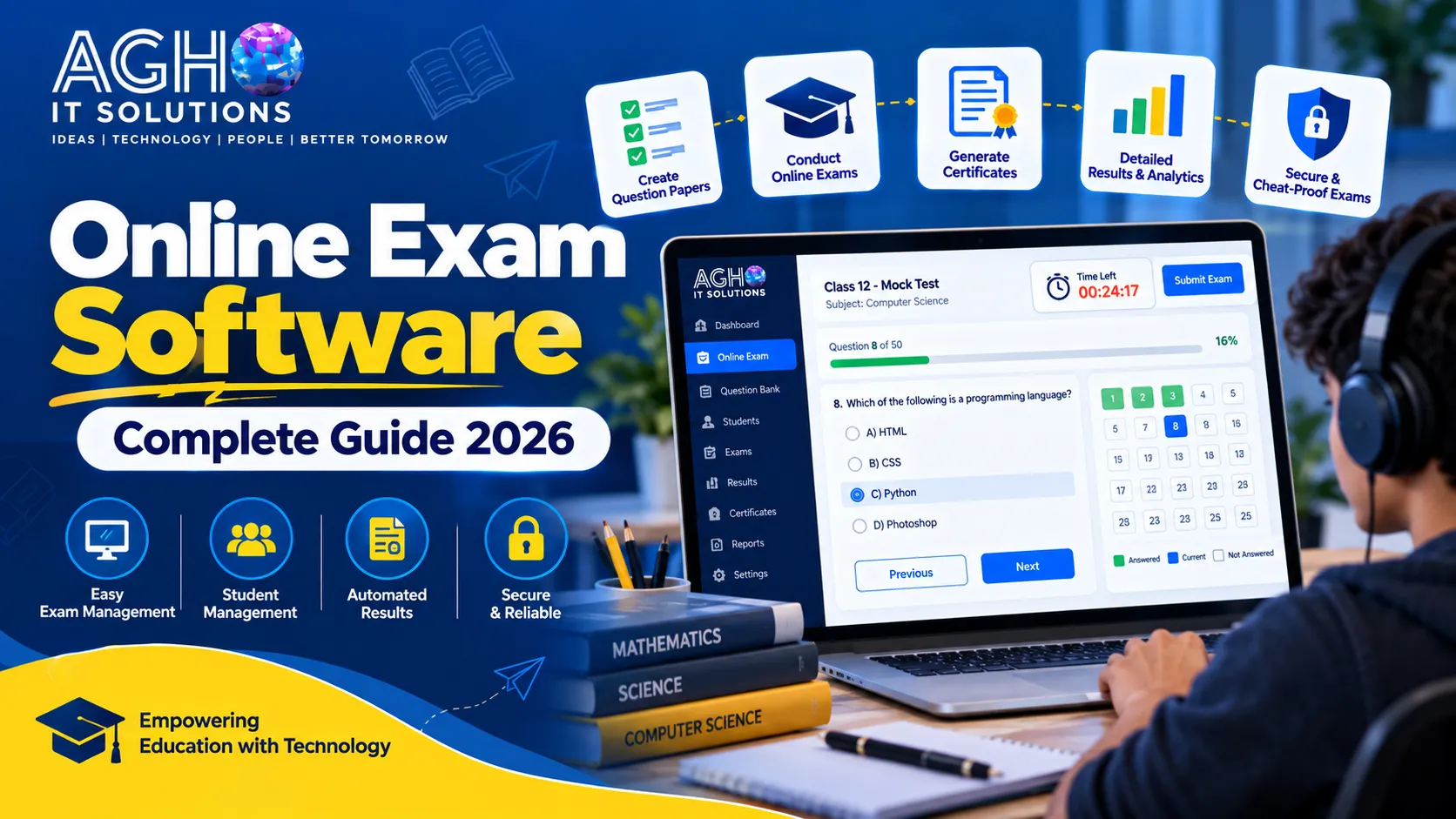
Online exam software is a system that lets you create question papers, schedule tests, conduct them over the internet or a local network and evaluate the results automatically. Students log in with their own ID, answer the questions within the given time and submit. Teachers and administrators see marks, rank lists and reports instantly.
It is also called an online examination system, online test platform or online assessment software. It is used for school unit tests, college internal exams, entrance tests, coaching test series, recruitment tests and skill certification.
Problems with Paper Based Exams
- Printing, packing and distributing papers costs money and time.
- Question papers can leak before the exam.
- Checking hundreds of copies takes teachers many days.
- Addition mistakes and missed answers lead to wrong marks and complaints.
- Results and rank lists are delayed.
- It is hard to study which topics students find difficult.
- Students who are absent need a separate exam arrangement.
Key Features of Good Online Exam Software
1. Question Bank
Store all your questions by subject, chapter, topic and difficulty level. Once the bank is ready, you can create a new paper in a few minutes instead of typing every question again.
2. Different Question Types
The software should support single answer and multiple answer MCQs, true or false, fill in the blanks, short answers and long answers. Support for images and equations is very useful for science and maths papers.
3. Random Question and Option Order
Each student can receive the questions or the options in a different order. This makes copying from the next seat much harder.
4. Timer and Auto Submit
A visible countdown timer helps students manage time, and the exam submits automatically when time ends so that no one gets extra minutes.
5. Marking Scheme and Negative Marking
You should be able to set marks for each question, add negative marking where needed and give section wise marks for competitive style papers.
6. Automatic Evaluation
Objective questions are checked instantly and accurately. For descriptive questions, teachers should get a simple screen to read answers and enter marks, and the system adds everything automatically.
7. Instant Results and Rank Lists
Results, scorecards and rank lists can be shown right after the exam or released later at a time you choose. Students can also see correct answers and explanations if you allow it.
8. Reports and Analysis
Good analysis shows subject wise performance, question wise accuracy, average scores and the weak areas of each student and class. This helps teachers plan revision and extra classes.
9. Student and Batch Management
Create batches, classes and groups, assign tests to the right students and manage logins easily. Large lists of students can usually be uploaded together.
10. Anti Cheating and Proctoring Tools
Security features can include one login per student, locking the screen to the exam window, warnings when the student switches tabs, browser and device tracking and, in advanced systems, camera based remote proctoring. The right level of security depends on how important the exam is.
11. Multi Language Support
Many students are more comfortable in Hindi or their regional language. Support for both English and Hindi helps more students perform to their real level.
12. Mobile Friendly Access
Students should be able to give the exam on a laptop, desktop, tablet or phone, as allowed by you, with a clean screen that is easy to use even on small devices.
13. Practice Tests and Test Series
Coaching institutes can create practice tests and full test series, set start and end dates and let students attempt them again and again to improve.
14. Certificates
For skill courses and certification exams, the software can generate certificates automatically after a student passes.
How Anti Cheating Works
No system can promise that cheating becomes impossible, but a combination of methods makes it difficult and keeps the exam fair.
- Unique login: Every student gets a personal ID and password, and the same ID cannot be used on two devices at once.
- Shuffled questions: Different order for different students.
- Strict timing: Each question or section can have its own time limit.
- Tab and window tracking: The system records or warns when the student leaves the exam screen.
- Device and IP records: The system stores details about the device and location used.
- Camera monitoring: For high stakes exams, a camera can record or check the student during the test.
- Question bank rotation: Using a large question bank means no two papers are exactly alike.
Benefits for Your Institute
- Saves time: Papers are created quickly and checked automatically.
- Saves money: No printing, paper or transport for question papers.
- Accurate results: No addition or checking mistakes.
- Fast results: Students and parents get marks immediately.
- Better security: Question papers cannot leak from a printing press.
- Useful data: You can see exactly where students need help.
- Flexible exams: Students can take tests from different places on the same day.
Who Can Use Online Exam Software
- Schools for unit tests, monthly tests and half yearly or final exams.
- Colleges and universities for internal assessments and entrance tests.
- Coaching institutes for daily practice tests and full test series.
- Companies and recruiters for hiring tests and employee skill checks.
- Training centers and skill academies for course exams and certificates.
- EdTech startups that want to sell test series and mock tests to students.
How to Choose the Right Online Exam Software
- Define your purpose. A school unit test and a high stakes entrance exam need different security and scale.
- Check how many students can attempt together. Ask how the system performs when hundreds of students log in at the same time.
- Ask for a demo. Create a sample exam and take it yourself on both laptop and phone.
- Look at the question bank and paper creation. It should be quick to add questions, tag topics and build papers.
- Review the reports. Make sure the analysis is simple enough for teachers to use every week.
- Test the security features. Understand exactly which anti cheating tools are included.
- Check support and training. Choose a provider that trains your staff and responds quickly during live exams.
- Understand the full cost. Ask what is included, such as setup, hosting, number of students, updates and support, so there are no surprises.
Cloud Based or On Your Own Server
Cloud based software is hosted by the provider, so you can start quickly, access it from anywhere and avoid buying servers. Software on your own server gives you more control and works inside a local network, which some institutes prefer for secure exam halls. If you want to understand the difference in more detail, read our guide on cloud software versus on premise software for businesses in Lucknow.
How to Conduct Your First Online Exam
- Step 1: Create the subjects and upload your questions into the question bank.
- Step 2: Add your students and divide them into batches or classes.
- Step 3: Build the paper and set marks, negative marking, duration and instructions.
- Step 4: Schedule the exam date and time.
- Step 5: Share login details with students and explain the rules.
- Step 6: Run a short practice test so everyone knows how the system works.
- Step 7: Conduct the exam and watch the live activity.
- Step 8: Publish results and use the reports to plan the next steps.
Common Mistakes to Avoid
- Starting with a high stakes exam without any practice test.
- Choosing a system that has not been tested for the number of students you have.
- Ignoring internet and device checks before the exam day.
- Not preparing a backup plan for power or network problems.
- Using the same small set of questions again and again.
- Leaving student data unprotected. Read our guide on data protection rules for businesses in India to understand why this matters.
Keep Exam Data Safe
Exam papers, student details and results are sensitive information. Use strong passwords, give teachers only the access they need and make sure the system takes regular backups. You can also read our guide on how to protect your website from cyber attacks to keep your institute online presence safe.
Connect Exams with Your Complete Institute System
Online exams work best when they are part of one connected system for your institute. If you run a school, our school management software manages admissions, fees, attendance and results, and our guide on school ERP systems explains how everything fits together. For colleges, you can read about college management software in Lucknow. If you also teach through video, our online class software lets you take live and recorded classes along with tests.
Coaching institutes and test series sellers also need a strong online presence. A professional website, a mobile app and good SEO help students find you and enroll.
Online Exam Software from Agho IT Solutions
At Agho IT Solutions in Lucknow, we provide online exam software for schools, colleges, coaching institutes and training centers. Our team helps you with setup, training and support so that your exams run smoothly from the very first test. Book a demo to see how it works for your institute.
Call us on +91-9194046587 or visit us at L-III/77, Sector-D, Aliganj, Lucknow, Uttar Pradesh 226024. You can also contact us online to book a free demo.
Frequently Asked Questions
Is online exam software suitable for small schools and coaching centers?
Yes. Even a small institute benefits from faster paper creation, automatic checking and instant results. The software can be chosen according to the size of the institute.
Can students take the exam on a mobile phone?
Most modern systems allow exams on laptops, desktops, tablets and phones. You can decide which devices are allowed for each test.
Can the software check descriptive answers automatically?
Objective questions are checked automatically. Descriptive answers are usually read by a teacher, who enters marks on a simple screen, and the system adds up the total.
How do we stop students from cheating?
A mix of unique logins, shuffled questions, strict timing, tab tracking and, where needed, camera monitoring makes cheating difficult. The level of security should match the importance of the exam.
What if the internet stops during the exam?
Plan for this in advance. Ask your provider how the system saves answers and how a student can continue after a short break, and keep a backup arrangement for important exams.
Can I sell test series to students online?
Yes. If you run a coaching institute or an EdTech business, you can create practice tests and test series for your students. Talk to your software provider about portal and payment options.