Table of Contents
Every morning a pathology lab receives patients, samples, doctor referrals and urgent report requests all at the same time. In many labs these are still handled with paper registers, handwritten slips and reports typed one by one. It works when the lab is small, but the moment the number of patients grows, mistakes, delays and unhappy customers begin to show up.
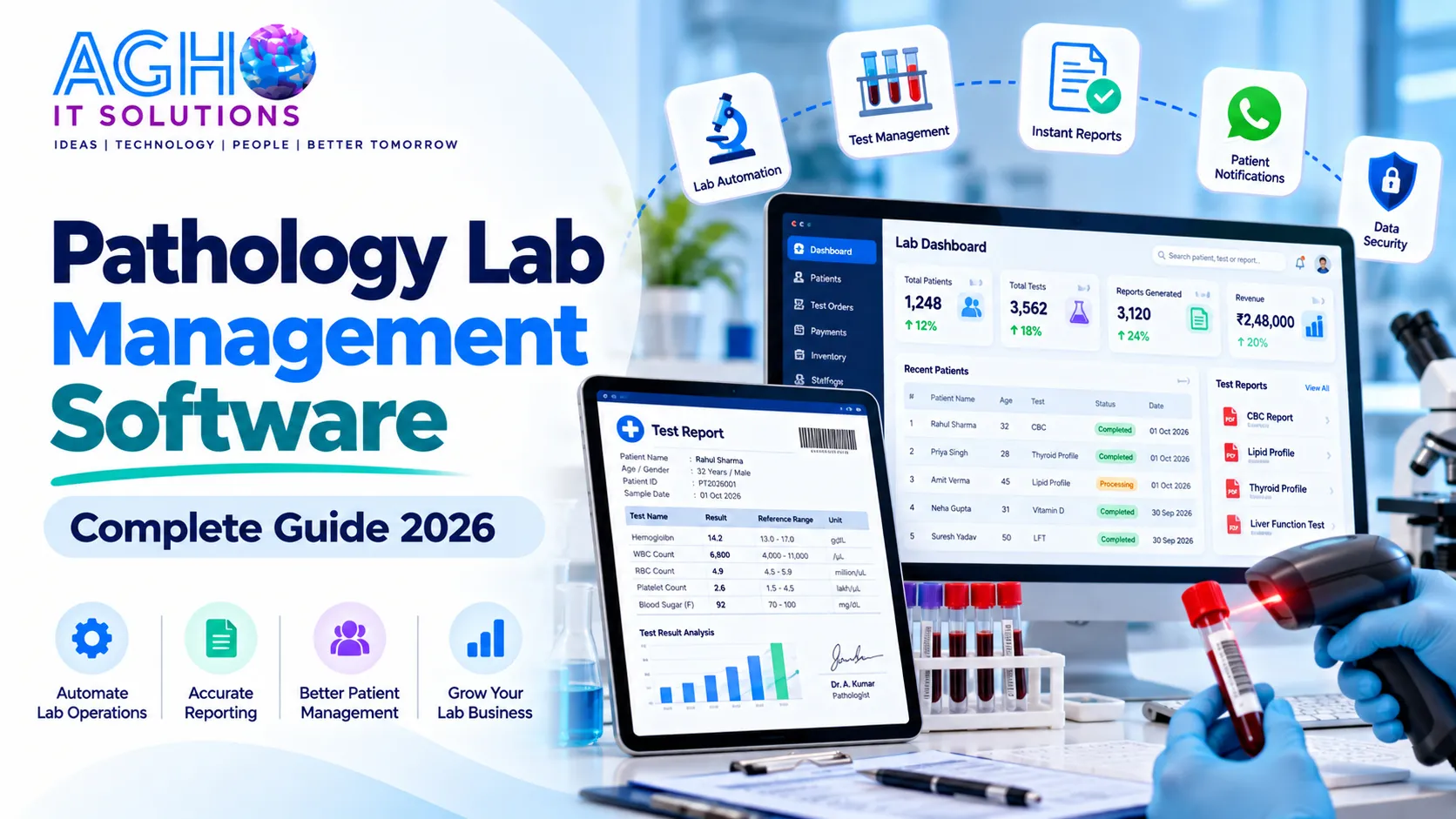
Pathology lab management software solves this by bringing every task of the lab into one organized system. This guide explains what it is, what features matter, how to choose the right one and how to start using it without disturbing your daily work.
What Is Pathology Lab Management Software
Pathology lab management software is a computer system that manages the complete journey of a patient inside a diagnostic lab. It starts with registration and billing, moves through sample collection and testing, and ends with report generation and delivery. It also keeps track of payments, doctor referrals, stock of reagents and the performance of the lab.
In technical language this is often called a Laboratory Information System or LIS. For a lab owner, it simply means less paperwork, fewer errors and faster service.
Problems Labs Face Without Software
- Patient details are written again and again, so spelling mistakes and wrong records are common.
- Test rates are remembered by staff, which leads to billing errors.
- Samples can get mixed up when labelling is done by hand.
- Reports take time to type, check and print, so patients wait longer.
- Old reports are difficult to find when a patient returns after months.
- Referral doctor payments and daily collection are hard to calculate correctly.
- The owner has no clear picture of daily income, pending payments or which tests are most in demand.
Key Features Every Pathology Lab Should Look For
1. Patient Registration and Billing
Quick registration with a unique patient number, saved history for returning patients, and fast bill creation using a ready test list with correct rates. The system should handle discounts, part payments, different payment modes and printed or digital receipts. If you also run a pharmacy or retail counter along with the lab, our ERP billing software can handle that billing too.
2. Test Master and Package Management
You should be able to add every test with its name, price, sample type, normal range and turnaround time. Health packages and offers should be easy to create and change at any time.
3. Sample Collection and Barcode Tracking
Every sample should get a unique barcode or number at the time of collection. This prevents mix ups and lets the team track a sample from collection to the final report. Labs offering home collection also need a way to record collection visits and assign staff.
4. Result Entry with Normal Ranges
Technicians should be able to enter results in a simple screen where normal ranges are already shown. Values that fall outside the normal range should be highlighted automatically so that the doctor can notice them quickly.
5. Professional Report Generation
The software should create clean, well formatted reports with the lab name, logo, patient details, test results and the signature of the pathologist. Good systems also allow different report formats for different tests and a comparison with the previous results of the same patient.
6. Report Delivery on WhatsApp, SMS and Email
Patients now expect to receive reports on their phone. Sending the report link or file directly on WhatsApp, SMS or email saves the patient a trip and saves your staff a lot of time. Some labs also give patients a login to view and download old reports. To send test reminders and health camp offers to your patients in bulk, you can also use bulk WhatsApp marketing along with your lab software.
7. Referral Doctor and Collection Center Management
Many labs receive samples through doctors and collection centers. The software should record the referring doctor on every bill, calculate commission correctly and keep separate accounts for each collection center. To follow up with patients and track repeat visits, a CRM software can be used alongside your lab system.
8. Machine Integration
Modern analyzers can send results directly to the software. This removes manual typing, saves time and reduces the chance of entry mistakes. Check which machines your software can connect with before you buy.
9. Inventory and Reagent Stock
The system should record stock of reagents, tubes and other consumables, show how much is used for each test and warn you before an item runs out. This avoids sudden stoppage of testing.
10. Accounts, Reports and Dashboard
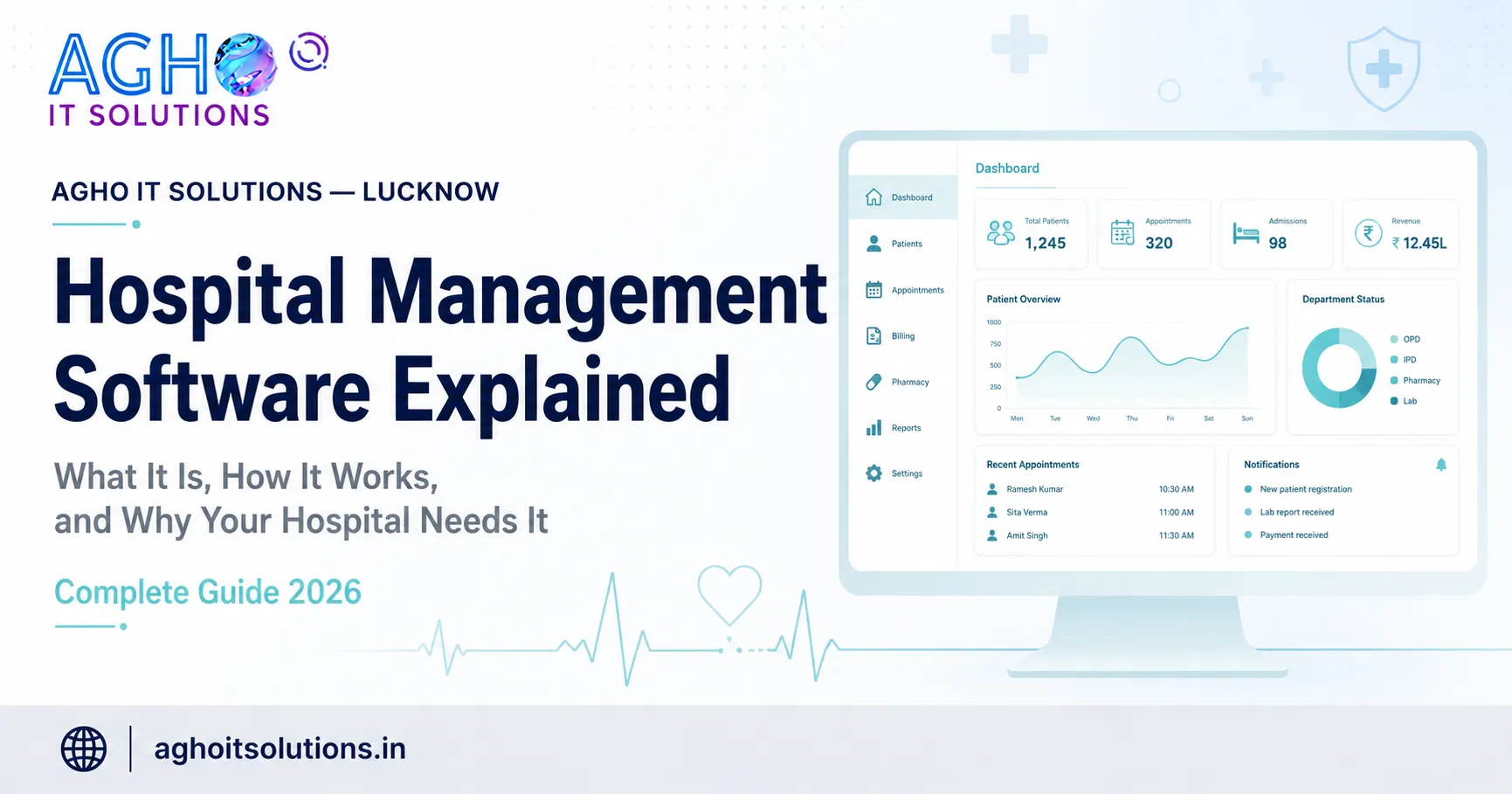
A good dashboard shows daily collection, pending payments, number of patients, top tests and doctor wise business at a glance. These reports help the owner make better decisions instead of guessing.
11. Multi Branch Support
If you have or plan to open more than one center, the software should manage all branches from one place while keeping each branch account separate.
12. Data Security and Backup
Patient reports are sensitive information. The software should have user wise login, permission control so that staff see only what they need, and regular automatic backup so data is safe even if a computer fails.
Benefits for Your Lab
- Faster service: Registration, billing and reports take far less time.
- Fewer mistakes: Barcodes, saved rates and ready ranges reduce human error.
- Better patient experience: Digital reports and quick delivery build trust and repeat visits.
- Clear control of money: Daily collection and doctor commission are always visible.
- Professional image: Neat branded reports make your lab look reliable.
- Easy growth: You can handle more patients and more branches without extra confusion.
How to Choose the Right Software
- Check that it fits your lab size. A small single center lab and a multi branch diagnostic chain need different features.
- Ask for a live demo. See the actual screens for registration, result entry and report printing before you decide.
- Look for easy use. Your staff should be able to learn the system in a few days, not weeks.
- Confirm report customization. Your reports should carry your own name, logo and format.
- Ask about machine support. Make sure your current analyzers can be connected if you want direct result transfer.
- Check support and training. Choose a company that provides training, fixes problems quickly and answers calls.
- Understand the full cost. Ask what is included, such as setup, training, updates, cloud storage and support, so there are no surprises later.
How to Start Using the Software Smoothly
- Step 1: List all your tests, rates, packages and normal ranges before setup.
- Step 2: Add your staff and give each person the correct access.
- Step 3: Design your report format with your logo and pathologist signature.
- Step 4: Train the team on registration, result entry and printing.
- Step 5: Run the new system together with your old method for a few days so everyone gains confidence.
- Step 6: Move fully to the software and review the reports every week.
Common Mistakes to Avoid
- Choosing software only because it is the cheapest.
- Not training the staff properly.
- Skipping the demo and trusting only promises.
- Entering wrong normal ranges during setup.
- Ignoring regular backup of data.
- Giving every staff member full access to all information.
Cloud Based or Local Software
Cloud based software works over the internet, so you can see your lab data from any place, and backup and updates are managed for you. Local software runs on your own computer inside the lab and does not depend on the internet for daily work. Many labs prefer cloud systems because they are easier to manage across branches and allow report delivery to patients without extra setup. The right choice depends on your internet reliability, number of branches and budget.
Help Patients Find Your Lab Online
Good software helps you serve patients well, but patients must first find you. Make sure your lab has a complete Google Business Profile with correct timings, photos, services and genuine reviews. You can learn how in our guide on Google Business Profile optimization for Lucknow businesses.
A simple website with your test list and a booking form also helps patients trust you. Our team provides website development and SEO services to help your lab get found on Google.
Pathology Management Software from Agho IT Solutions
At Agho IT Solutions in Lucknow, we provide complete pathology management software designed for the daily needs of diagnostic labs, collection centers and clinics. It covers patient registration, billing, test management, result entry, report printing, doctor and center accounts and business reports, along with setup help and training for your team. If you run a hospital or clinic, you may also like our hospital management software. You can also see our full range of Medical IT solutions for diagnostic centers and clinics.
Call us on +91-9194046587 or visit us at L-III/77, Sector-D, Aliganj, Lucknow, Uttar Pradesh 226024. You can also contact us online to book a free demo.
Frequently Asked Questions
Is pathology lab software suitable for a small lab?
Yes. Even a small lab with one or two technicians benefits from faster billing, error free reports and clear daily accounts. Software can be chosen according to the size of the lab.
Can patients get reports on WhatsApp?
Yes. Most modern lab software can send reports as a file or a link on WhatsApp, SMS and email so patients do not need to visit the lab again.
Can the software connect to my lab machines?
Many systems can receive results directly from analyzers, but it depends on the machine model. Always confirm your machine list with the software provider before you buy.
Is my patient data safe?
Good software uses separate staff logins, access control and regular backup. You should also keep your computers protected and avoid sharing passwords.
How long does it take to start using the software?
A small lab can usually begin within a few days after the test list, rates and report format are ready. Training and a short trial period help the team settle in quickly.
Can one software manage more than one branch?
Yes. Multi branch systems let the owner see all centers from one login while each branch keeps its own billing and accounts.