Table of Contents
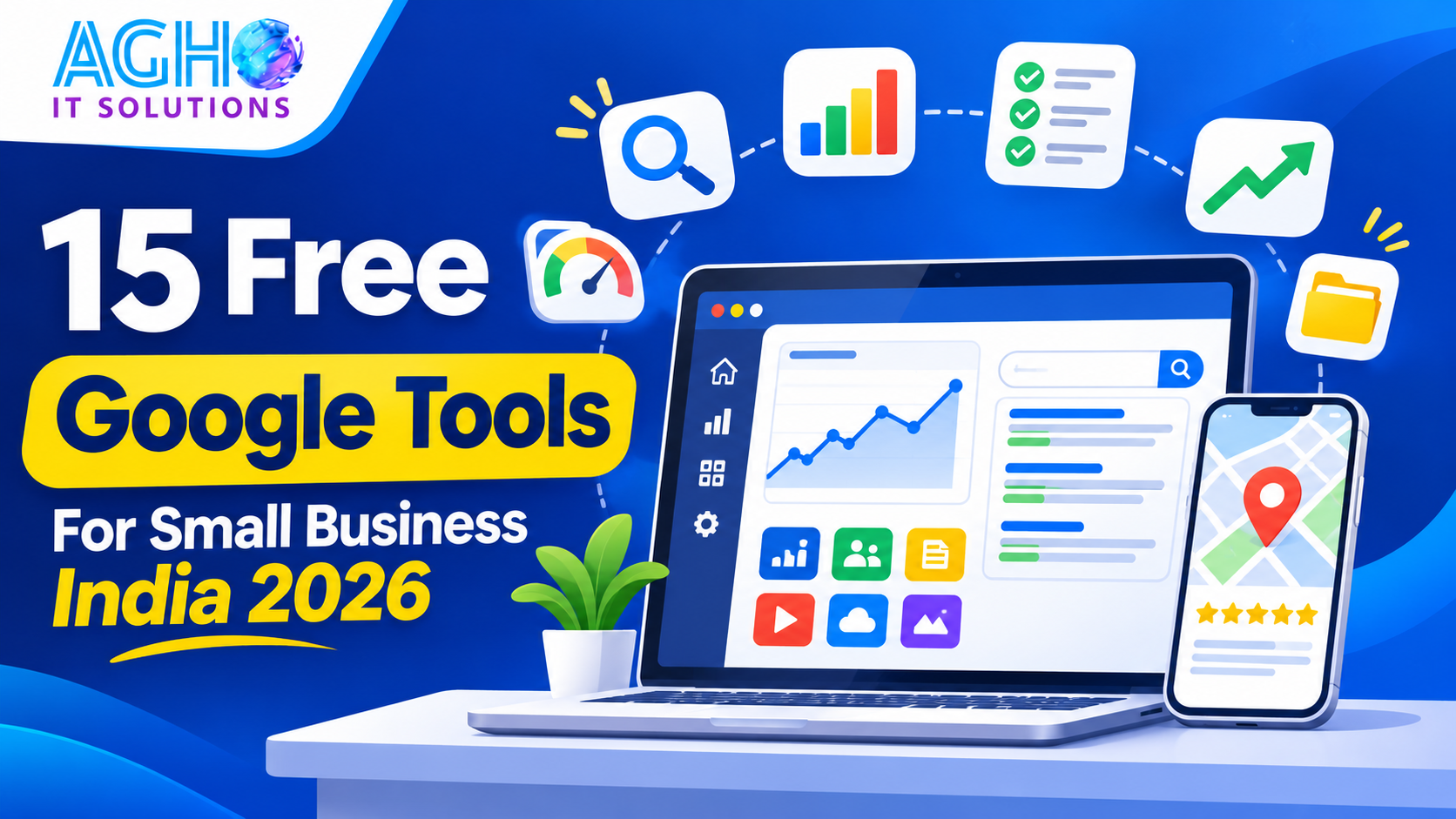
Many small businesses spend money on marketing tools and agencies, while ignoring a set of very powerful tools that Google gives away for free. These tools can help you get found on Google, understand your visitors, find what customers search for, make your website faster and run your daily work more smoothly.
This guide shares 15 free Google tools for small businesses in India, what each one does and how to start using it today. Some tools may have optional paid features, so check what is included before you rely on a feature.
1. Google Business Profile
What it does: Controls how your business appears on Google Search and Google Maps, with your name, address, phone number, hours, photos, services and reviews.
How to use it: Claim and verify your listing, choose the right categories, add photos and services, post updates and reply to reviews. This is often the highest impact free tool for a local business. Read our guide on Google Business Profile optimization for Lucknow businesses and our guide on how to get more Google reviews.
2. Google Search Console
What it does: Shows how your website appears in Google Search, which searches bring people to you, which pages are indexed and which problems need fixing.
How to use it: Add and verify your website, submit your sitemap, check the pages and queries each month and fix any errors it reports. Use it to find searches where you are close to the first page and improve those pages. Our SEO services and our guide on SEO for small business in India show how to use this data.
3. Google Analytics
What it does: Shows how many people visit your website, where they come from, which pages they view and what actions they take, such as calls or form submissions.
How to use it: Install it on your website, set up the important actions as goals or events and look at the reports each month. If you collect personal information, remember data protection rules. Read our guide on India data protection rules for businesses.
4. Google Trends
What it does: Shows how interest in a topic changes over time and across places.
How to use it: Compare words customers may use, check seasonal peaks, such as winter or wedding season, and plan your content and offers before the busy time. It is very useful for deciding what to post and when. See our guide on winter and New Year marketing ideas for Lucknow.
5. Google Keyword Planner
What it does: Helps you find keywords, related searches and an idea of how often people search for them.
How to use it: It sits inside a Google Ads account, and you can use it for research without running ads. Depending on your account, it may show ranges instead of exact numbers. Use it to choose words for your website pages, blogs and ads.
6. Google PageSpeed Insights
What it does: Tests how fast your web page loads on mobile and computer and gives suggestions to improve it.
How to use it: Paste your page address, read the report and fix the biggest problems, such as heavy images. A fast site keeps visitors and helps your search presence. Read our guide on website speed optimization.
7. Looker Studio
What it does: Turns data from Google tools into clean, easy to read reports and dashboards.
How to use it: Connect your Analytics and Search Console data, build one simple monthly report and share it with your team or manager. It makes reporting clear and saves hours of manual work.
8. Google Tag Manager
What it does: Lets you manage tracking codes on your website, such as analytics and ad tracking, without editing the website code each time.
How to use it: Install it once, and then add tracking for form submissions, call clicks and WhatsApp button clicks. It is helpful if you run ads and need to know which actions bring leads.
9. Google Merchant Center
What it does: Lets online stores upload their product information so that products can appear in Google shopping results, including free listings in many cases.
How to use it: Add your store, upload your product details with clear photos, prices and availability and follow Google product rules. See our guide on e-commerce website features and our e-commerce website development service.
10. Google Sheets
What it does: A free online spreadsheet that works on phone and computer and can be shared with your team.
How to use it: Track leads, orders, expenses, stock and daily tasks. Share a sheet with your staff, add simple formulas and keep one source of truth. You can also use AI to learn formulas. See our guide on AI for small business in India.
11. Google Forms
What it does: Creates online forms and quizzes with responses collected into a sheet automatically.
How to use it: Make an enquiry form, a customer feedback form, an order form or a registration form, and share the link on WhatsApp or your website. Never ask for sensitive details such as passwords or card numbers.
12. Google Drive and Docs
What it does: Stores your files in the cloud and lets you create and share documents.
How to use it: Keep your logo, price lists, brochures, photos and contracts in organized folders. Share files by link instead of attaching them again and again, and keep a backup of important business documents.
13. Google Alerts
What it does: Sends you an email when new pages mention a word or phrase you choose.
How to use it: Set alerts for your business name, your owner name and your main competitors, and keep an eye on mentions, news and reviews about your field.
14. YouTube Studio
What it does: Helps you manage a YouTube channel and see how many people watch your videos and for how long.
How to use it: Upload helpful videos, such as product demos, how to guides and customer stories, and use the reports to see which videos work best. Short educational videos can bring trust and enquiries over time.
15. Google Maps for Local Research
What it does: Shows the businesses around you, their ratings and photos, and how customers see your area.
How to use it: Search for your service in different parts of Lucknow, see which competitors appear, read their reviews and learn what customers like and dislike. Then use those lessons to improve your own service and profile.
Which Tools to Start With
If you are new, start in this order.
- Week 1: Google Business Profile.
- Week 2: Search Console and Analytics on your website.
- Week 3: PageSpeed Insights and Google Trends.
- Week 4: Sheets and Forms for leads and feedback.
- After that: Looker Studio, Tag Manager, Merchant Center and the rest, as your business needs them.
Do not try to learn all fifteen at once. Master a few and add more slowly.
A Simple Monthly Routine
- Check your Google Business Profile for new reviews, questions and messages.
- Review Search Console for new searches and page problems.
- Look at Analytics for top pages and visits.
- Test your main pages on PageSpeed Insights.
- Update your lead and order sheet and review feedback forms.
- Write down three improvements to make next month.
Common Mistakes to Avoid
- Setting up tools and never checking the reports.
- Not verifying your website in Search Console.
- Ignoring Google Business Profile messages and reviews.
- Collecting personal data without telling people why.
- Using a slow website and ignoring the speed report.
- Trying to use every tool at once.
- Not keeping login details safe, or using one account for everything.
Do You Need a Website for These Tools
Many of these tools work best with a website. If you do not have one yet, read our guide on how to create a website for your business in India, and see our website development service. For ads, our Google ads management can help you use Keyword Planner and tracking well, and our guide on Meta ads versus Google ads explains where to start.
Get Help Setting Up Your Google Tools
At Agho IT Solutions in Lucknow, we help local businesses set up their Google profile, website tracking, SEO and reporting through our complete digital marketing services.
Call us on +91-9194046587 or visit us at L-III/77, Sector-D, Aliganj, Lucknow, Uttar Pradesh 226024. You can also contact us online for a free consultation.
Frequently Asked Questions
Are these Google tools really free?
Most of these tools are free to use, though some have optional paid features or are linked to paid products, such as ads. Always check the current terms and features for each one.
Which Google tool is most important for a local business?
For most local businesses, Google Business Profile is the most important free tool, because it controls how you appear on Google Maps and in local searches.
Do I need a website to use Search Console and Analytics?
Yes. They work with a website. If you do not have one, start with Google Business Profile and then build a simple website.
How often should I check these tools?
A short monthly routine works for most small businesses. Check reviews and messages more often, such as weekly.
Can I use Google tools on my phone?
Yes. Many of them, such as Business Profile, Sheets, Forms, Drive and YouTube Studio, work well on a phone.
Do I need an expert to set them up?
You can start with the basics yourself, but an expert can save time with the technical setup, tracking and reporting.
Frequently Asked Questions
Quick answers to common questions about this article and our technology solutions.
01
Digital Marketing & Business
Are there any limits on Support?
With valid entitlement, there are no limits on the number of questions, who asks the question, or the topic (as long as it is reasonably related to the product). There is a 16-hour limit on the effort Arm spends on an individual case before requiring a management review of the case.
02
Digital Marketing & Business
What is the recruitment and interview process at AGHO IT Solutions?
Our interview process typically includes: 1) Initial profile screening and shortlisting by HR, 2) Technical interview / practical assignment, 3) Cultural and leadership discussion with department heads, and 4) Final offer letter rollout.
03
Digital Marketing & Business
Do you serve clients outside Lucknow?
Yes, we serve clients across Uttar Pradesh including Barabanki, Hardoi, Unnao, Sitapur and Raebareli and many more . We also serve international clients in UAE, US and Canada.
04
Digital Marketing & Business
Can I apply if my skills match multiple positions?
Yes! You can apply for a specific role or choose "General Application" from the positions dropdown. Our talent acquisition team will evaluate your resume against all active and upcoming openings.
Turn Your Vision Into a Scalable Software Solution
Whether you need Hospital Management Software, Cloud ERP, High-Converting Website, or Mobile App — get free technical architecture consultation with our engineering team.